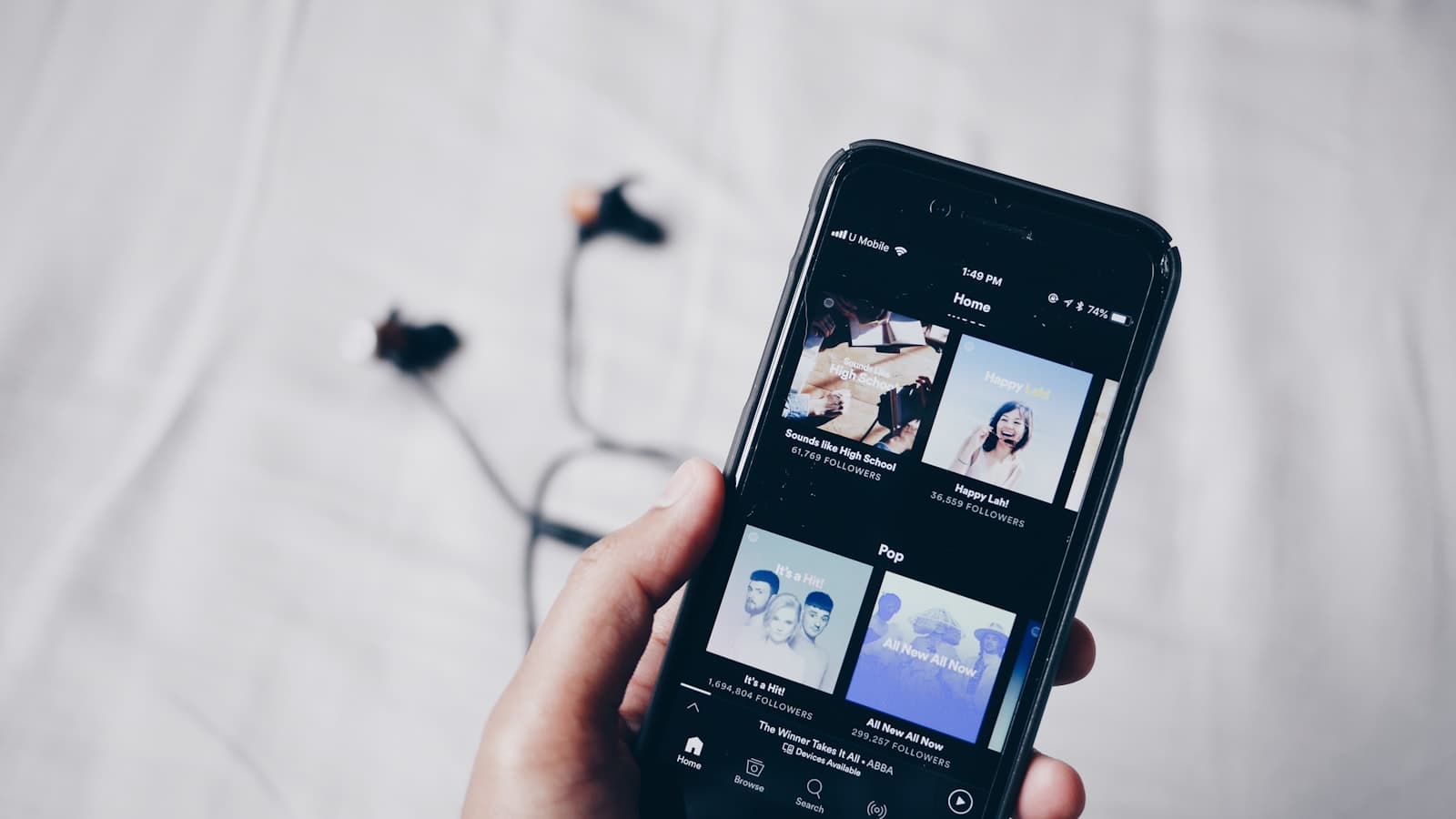
The link in a bio is the most visited address most artists have. It is also the one most likely to be out of date: a ticket link that moved, artwork from two releases ago, a page that still says new single. Your Artistplus link page starts from what is already in your account and keeps up with it.
It is already started#
Every account has a private link page from the moment it is created, the same way your website starts as a draft. It holds your photo, name and bio, a row of your social icons, your newest releases, your next shows, and rows for your website and press kit that appear once those are live. Open Link Page in the dashboard, move rows around, add a link or two, and publish when you like it. Nothing is public until you choose Publish, and your website is not touched either way.
Rows that follow the source#
A pasted link goes stale the day something behind it changes. A row you pick from your catalog or your tour follows the source instead. Change the artwork or a ticket link and the row changes with it. Make a release private and it leaves the page by itself, with nothing to republish.
Releases open a chooser of every streaming service they are on, or play right on the page if you set a player row to play. Shows carry their ticket link and their date. A latest release card keeps itself pointed at your newest release.
Three buttons a fan actually uses#
Share opens a sheet with the apps people already have open, a picture for Stories on phones, and a QR code with the Artistplus logo in it that you can print for a poster or a merch table.
Message starts a conversation that lands in your Messages inbox with the phone number or email the fan left, so you can reply from the dashboard.
Subscribe takes a phone number or an email address and puts it on your list. Artistplus stores the contact and sends that person nothing. You can see who subscribed on every plan.
The design follows your website#
Every page starts in the look of the website template you chose, so the two match without a setting. Opener and above can pick any template's look or set their own colors, fonts and buttons, add a photo gallery, schedule a link to start and end, lay a section out as a grid or a carousel, and show a different link to visitors from a chosen country or platform.
Honest numbers#
Every visit and every tap is recorded on every plan. The Free plan reads a 30-day summary; paid plans reach further back and break the numbers down by link, by service and by where visitors came from. A tap on a streaming service is counted as a tap. It is never reported as a stream or a sale, because nobody can see what happened after it.
{% cta title="Open your link page" body="It is waiting in your dashboard, already filled in from your account. Add what you like and publish it on its own." label="Explore the link page" href="/features/link-page" /}