The hardest part of building an artist website is not the technology. It is the blank page. An empty template asking for your bio, your photos, your discography, one upload at a time, is where most artist websites die before they exist.
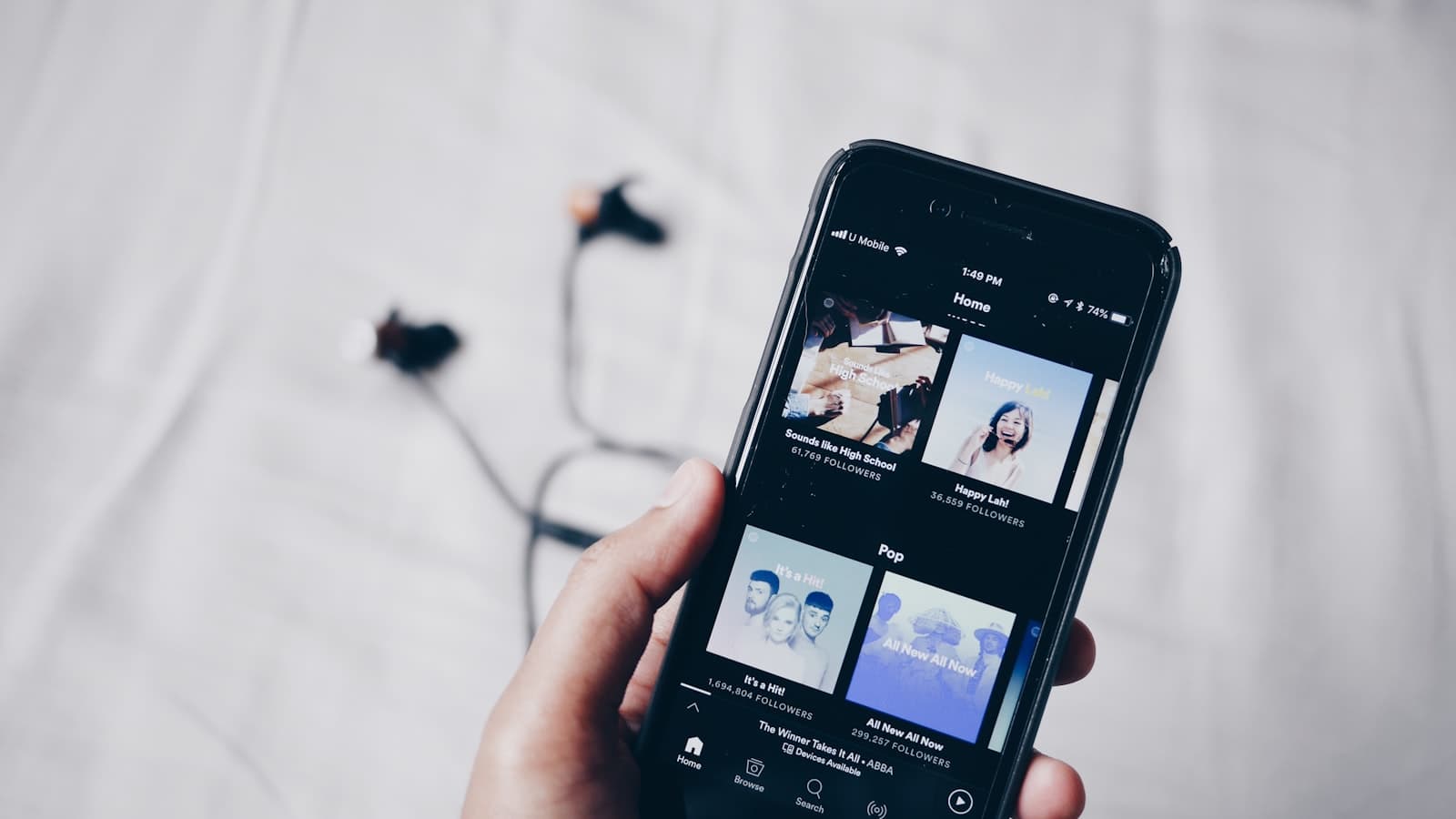
So we removed the blank page. On Artistplus, you paste one link, your Spotify artist profile, your SoundCloud, and the platform builds the first draft of your website from what it finds. Here is what actually happens, and what you get.
What happens when you paste your link#
Your music already lives online with most of what a website needs attached to it. Artistplus reads your public profile and pulls that material together.
Your catalog. Releases with artwork, titles, and dates, assembled into a music section that looks like a discography instead of a list of links.
Your identity. Artist name, bio, and genres from your profile, seeded into an about section you will want to rewrite in your own words, but you are editing instead of staring at an empty box.
Your photos. Profile and cover imagery to give the site a real visual starting point, with a gallery you can grow. You can also connect your Instagram and import from there.
Your shows. Tour dates we can find get structured into a proper tour section with venue, city, and date fields, ready for ticket links.
A few minutes later you are looking at a real, multi-page website with your actual music on it. Not a demo with stock photos. Yours.
What you get out of the box#
The site is built on a template family designed for artists, and every part of it is editable. You get a home page, a music page, a tour page, an about page, and a contact page, wired together with navigation, an email capture, and the structural things nobody wants to think about, like working mobile layouts and pages search engines can read.
You pick from professionally designed templates and switch the palette and fonts without breaking anything. The design system does the taste work, you make the choices.
Two features ride along that usually mean separate tools and separate subscriptions:
A press kit, generated. Artistplus builds a designed EPK from your site content, your top tracks, your latest photos, your bio, styled to match your site. When your site changes, the press kit follows. If you are not sure why that matters, our EPK guide is the short version: industry people check it before they reply to you.
Analytics you own. See which pages get visited, where visitors come from, and which cities are listening. Useful the next time you are deciding where to book a show.
Editing without the fear#
Everything the import produced is a starting point, not a verdict. The builder is visual and block-based. Click a section, change the text, swap the image, drag things around. No code anywhere.
Two honest recommendations from us, having watched a lot of artists onboard.
First, rewrite the seeded text in your own voice. The import gives you structure and facts, but nobody's profile bio was written to be a website headline. Fifteen minutes of rewriting is the difference between a site that works and a site that sounds like everyone else's. Our musician website guide has a bio structure that makes this quick.
Second, check the imported details. Public data is mostly right, occasionally weird. A release date, a genre tag, a photo you never liked. You are one click from fixing any of it, so do the pass before you share the link.
What it costs#
The free plan is a real plan, not a trial. A published multi-page website, your imported catalog, media storage, and the builder. It stays free.
Paid tiers add room to grow, more storage, more video, deeper analytics, and extras like the press kit sharing link. The honest pitch is this: start free, publish, and upgrade the month the free plan is actually the thing holding you back. The pricing page has the current details.
Try it with your own profile#
The whole point is that trying it costs a few minutes.
- Go to artistplus.io/join and create a free account.
- Paste your Spotify artist link, or SoundCloud if that is home base.
- Watch the import assemble your draft.
- Rewrite the text in your voice, check the details, pick your palette.
- Publish, and put the link in every bio you have.
Common questions#
Which links can I paste to build my site?#
A Spotify artist profile or a SoundCloud profile works as the seed. After the first import you can connect more sources, including Instagram for photos, and keep your catalog in sync as you release.
Is the imported website really free to publish?#
Yes. The free plan includes a published multi-page site on an Artistplus address with your imported music, media storage, and full access to the visual builder. Paid plans add storage, video capacity, and extras when you need them.
Can I use my own domain name?#
Yes. You can attach a domain you already own to your Artistplus site, and the site works on a clean Artistplus subdomain until you do.
What if the import gets something wrong?#
Everything imported is editable. Fix a date, swap a photo, rewrite the bio, delete a release you would rather not feature. The import saves you the data entry, you keep the final say on every detail.